The decision point on the assembly line
Should you trust a neural network to reject defective parts at line speed, or stick with deterministic logic and structured light? Automating an assembly line with computer vision is not a generic upgrade — it is a choice with consequences for throughput, false-positive rate, auditability, and the team that has to maintain the system after handover.
We see this pattern across our manufacturing engagements. Teams arrive expecting a single answer (“AI is better, faster, cheaper”) and leave with a hybrid: a deterministic check at the placement station, a learned model at the cosmetic-defect station, and a clear story about which one owns which decision. The rest of this article walks through how computer vision actually behaves on a line, where it adds value, and where it has to be reined in.
What does “automating an assembly line with computer vision” actually mean?
It means replacing a human visual check — or a brittle photoeye-and-PLC check — with a camera, a model, and a downstream actuator. The camera captures the part at a known station. A model classifies, detects, or segments features in the image. A decision rule triggers a reject arm, a robot pick, or a logged event. Everything else — lighting, fixturing, MES integration — is unglamorous infrastructure that determines whether the system works at 3 a.m. on a Tuesday with a tired operator.
How computer vision works on the line
A typical pipeline runs in four stages: acquisition, preprocessing, inference, and decision. Acquisition is a triggered industrial camera (GigE Vision or USB3 Vision) with controlled lighting. Preprocessing normalises the frame — usually with OpenCV — to a fixed crop, exposure, and colour space. Inference runs a convolutional neural network or a transformer-based detector; we routinely deploy these as ONNX graphs through TensorRT on an NVIDIA Jetson or a rack-mounted GPU at the cell level. The decision stage is a thresholded score that drives a reject signal back to the PLC.
Two model families dominate the work. Classifiers (ResNet-class CNNs, or smaller MobileNet variants for edge) answer “is this part OK?” with a single confidence score. Detectors (YOLO-class, or anchor-free detectors like FCOS) answer “where on the part are the defects, and what class are they?” Segmentation networks (U-Net, Mask R-CNN) come in when defects have to be measured, not just located — a crack length in millimetres rather than a pass/fail label.
Why CNNs and not just rule-based image processing?
Rule-based image processing — blob analysis, edge detection, template matching with libraries like Halcon or HALCON-style operators — is faster to deploy and easier to audit when the part and the lighting are stable. CNNs earn their place when the defect class is hard to define geometrically (scuffs, discolouration, weld porosity) or when normal product variation would trip a rule-based system into a flood of false positives. The honest answer is that most production lines we have worked on end up using both.
Where computer vision adds value: applications worth funding
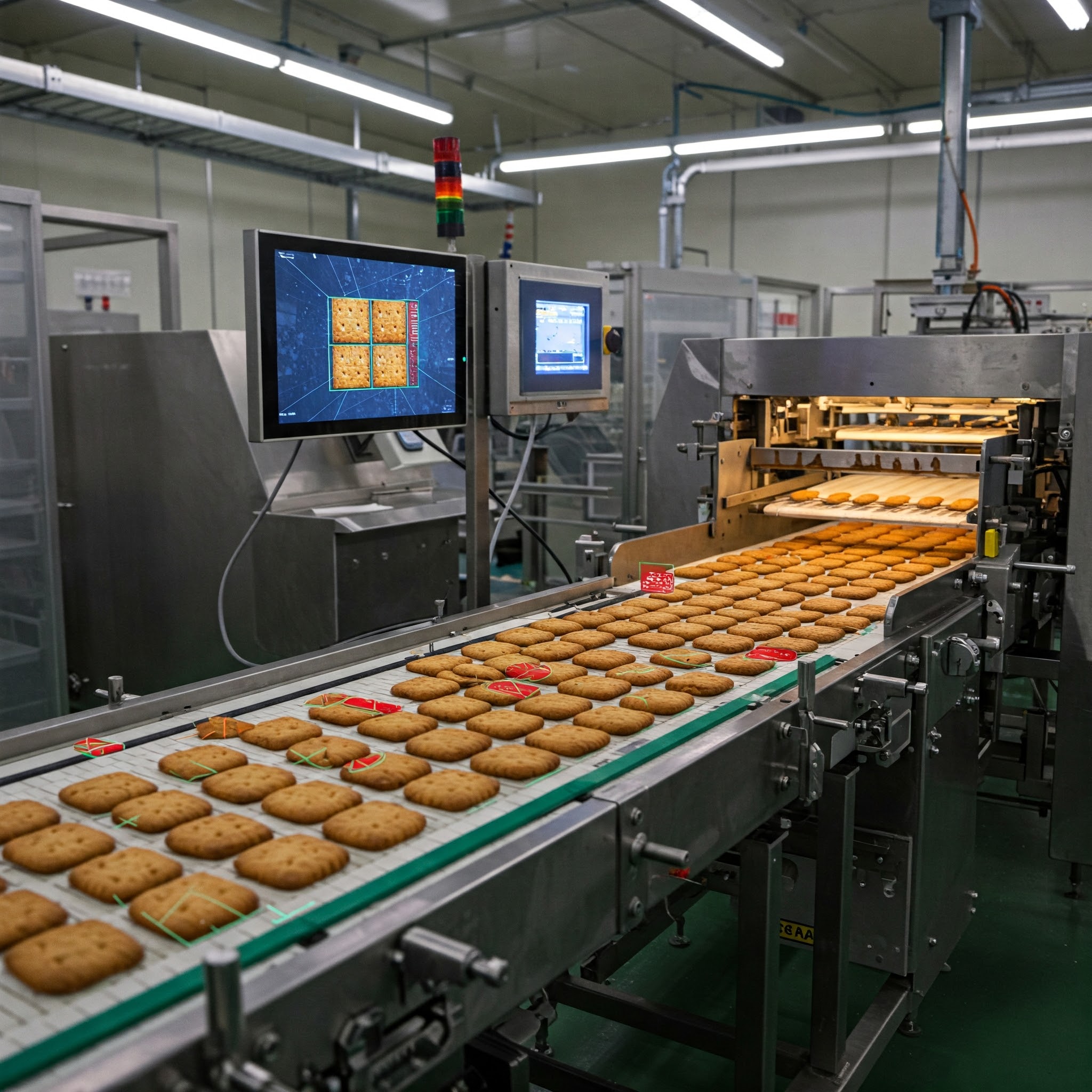
Four application classes have repeatedly justified their cost in our work:
| Application | Typical model class | Why it pays back |
|---|---|---|
| Presence/absence verification | Lightweight classifier or detector | Catches missing fasteners, missing labels, wrong cap colour before downstream stations add value to a defective unit |
| Cosmetic defect detection | Detector or segmentation | Replaces inconsistent human visual inspection at the end-of-line; the model checks every unit, not a sample |
| Dimensional and geometric checks | Segmentation + calibrated optics | Measures features that callipers cannot reach at line speed |
| Robotic pick guidance | Detector + 6-DoF pose estimation | Replaces fixtured part presentation with bin-picking; reduces tooling cost on mixed-product lines |
Each row corresponds to a different procurement path. Presence/absence and dimensional checks often fit a packaged machine-vision system (Cognex, Keyence) with no custom training. Cosmetic-defect and pick-guidance work usually requires a custom CV deployment because the defect classes or product mix do not generalise from a vendor’s pretrained library. This is the decision boundary covered in our machine vision vs computer vision inspection guide.
A concrete pattern we see in food and consumer-goods lines: a vendor machine-vision system handles fill-level and label-presence checks at high line speed, while a custom CV system handles cosmetic defects (scorch marks, deformation) at a slower secondary station. The two systems share a reject conveyor and a defect log. Neither approach alone would have covered the inspection scope at acceptable cost.
AI, training data, and the part nobody costs correctly
The expensive part of a custom CV deployment is not the model. It is the labelled image dataset. A defensible cosmetic-defect classifier typically needs several thousand labelled images per defect class, with examples spanning lighting variation, product variation, and the rare defect modes that only show up during shift changes or material-lot transitions. In our experience across manufacturing engagements, the data-collection and labelling effort runs comparable to or larger than the model-development effort itself — this is an observed pattern, not a benchmarked rate, and it varies sharply with how much existing inspection imagery the customer already has.
Training itself is GPU-heavy but bounded. A modern detector trained on a few tens of thousands of labelled frames converges in hours on a single A100 or H100, or overnight on a workstation RTX card. The harder problem is validation: proving to a quality team that the trained model holds up across the full distribution of normal product and the full distribution of defects, including ones not yet seen. We treat this as a separate engineering phase, not a final test.
How does AI actually run on a factory floor?
In production, models do not run on training hardware. They run on inference-optimised graphs — typically TensorRT engines compiled from ONNX — on edge devices placed near the camera. A Jetson Orin or an industrial PC with a single GPU can sustain 30–60 inferences per second for a YOLO-class detector at 1280×1280 resolution, which is enough for most assembly-line speeds. Latency from frame capture to reject signal sits in the 20–50 ms range when the pipeline is engineered for it; cloud round-trips would blow this budget by an order of magnitude, which is why factory-floor CV is almost always an edge problem, not a cloud problem.
Real failure modes (and how we work around them)
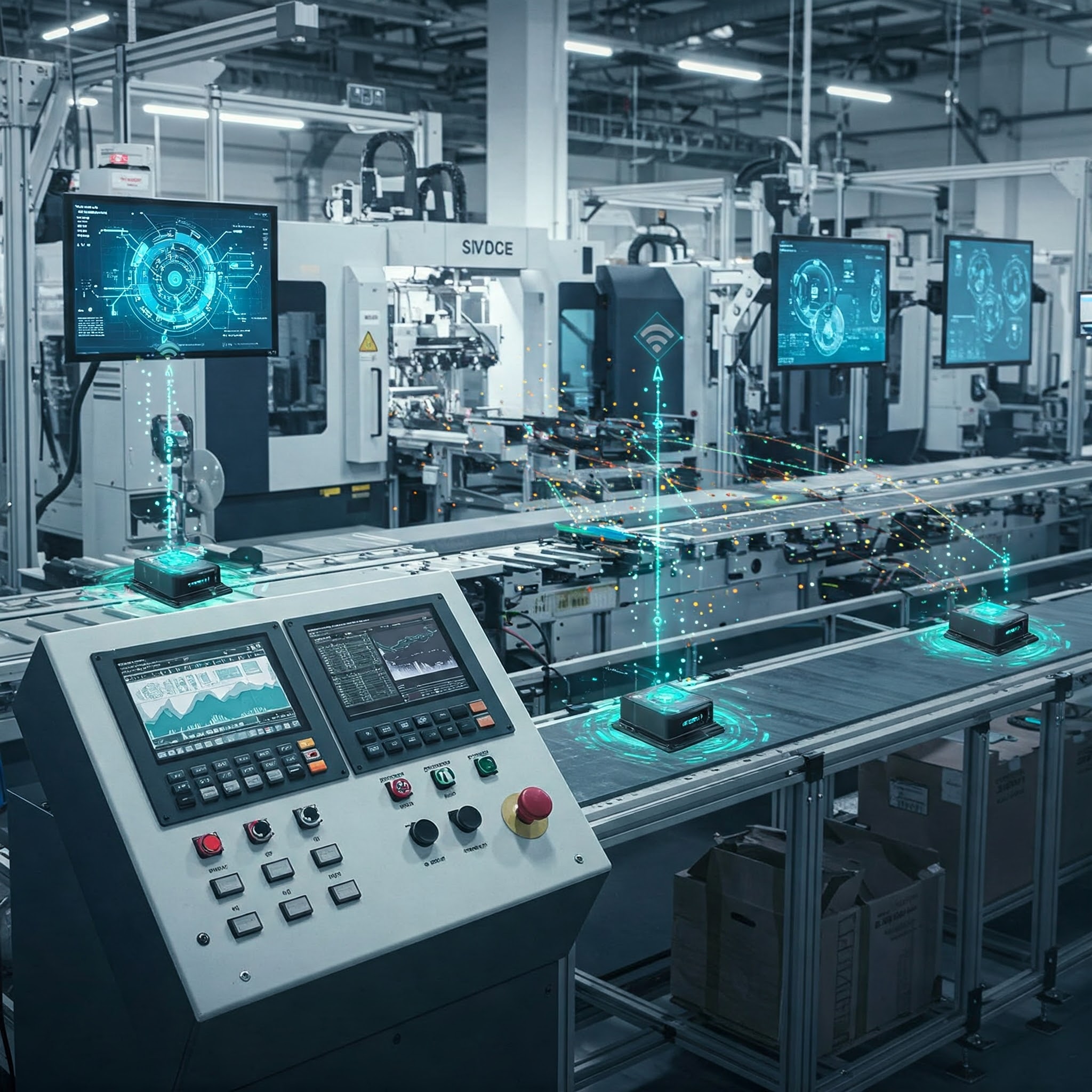
Three failure modes dominate the post-deployment phase:
Lighting drift. A model trained under one lighting condition degrades quietly when fluorescents age, when a window admits seasonal sunlight, or when an operator nudges a lamp. The fix is enclosure design — diffuse, controlled, repeatable illumination — not more training data. We have seen otherwise solid deployments rescued by a £2,000 lighting redesign that no software change could have matched.
Distribution shift after a supplier change. A new raw-material lot or a new supplier introduces variation the training set never covered, and the model’s false-positive rate climbs overnight. The mitigation is a monitored confidence-score distribution with an alarm on drift, plus a retraining cadence tied to procurement events, not to the calendar.
Operator override fatigue. When the model raises too many false positives, operators learn to clear alarms reflexively, which masks real defects. The fix is to tune the operating point conservatively, accept a slightly higher false-negative rate during burn-in, and tighten the threshold only as evidence accumulates. This is a process discipline, not a model-training problem.
Edge computing and GPU acceleration are part of the solution stack here, but they solve latency and throughput — not the three failure modes above. Treating “add edge AI” as a complete answer is the most common misframing we encounter.
How TechnoLynx approaches assembly-line CV
We start by separating the inspection scope into stations where deterministic machine vision is sufficient and stations where learned computer vision earns its complexity. For the learned stations, we build the data pipeline first, the model second, and the deployment third — in that order, because reversing it produces systems that demo well and fail in production. We deploy onto edge hardware sized to the latency budget, and we hand over a monitoring surface so the customer’s team can see drift before it becomes a quality incident.
The engagements we take on are R&D engagements with outcome ownership. The deliverable is a working inspection station, a labelled dataset that belongs to the customer, a model the customer can retrain, and a runbook for the failure modes named above.
FAQ
Where this leaves the procurement decision
Line automation with vision requires validation infrastructure first, model architecture second. The right question is not “should we use computer vision?” but “at which stations does learned vision pay back its complexity, and where should we stay with deterministic machine vision?” The answer is rarely uniform across a line. When the inspection scope is mapped station-by-station and the data-pipeline cost is budgeted honestly, the combined system tends to outperform either pure approach — and stays maintainable after handover, which is the part that determines whether the investment holds up two years later.
References
Automating Assembly Lines Computer stops being abstract in this section. Three factors dominate: station design, validation rigor, and operator trust. (2025, April). Computer Vision in Manufacturing Market by Application Areas (Industrial Robotics, Process Control and Optimization, Quality Assurance), Industrial Verticals Utilized (Automotive, Electronics and Semiconductors, Food and Beverage), Technological Components. 360iResearch