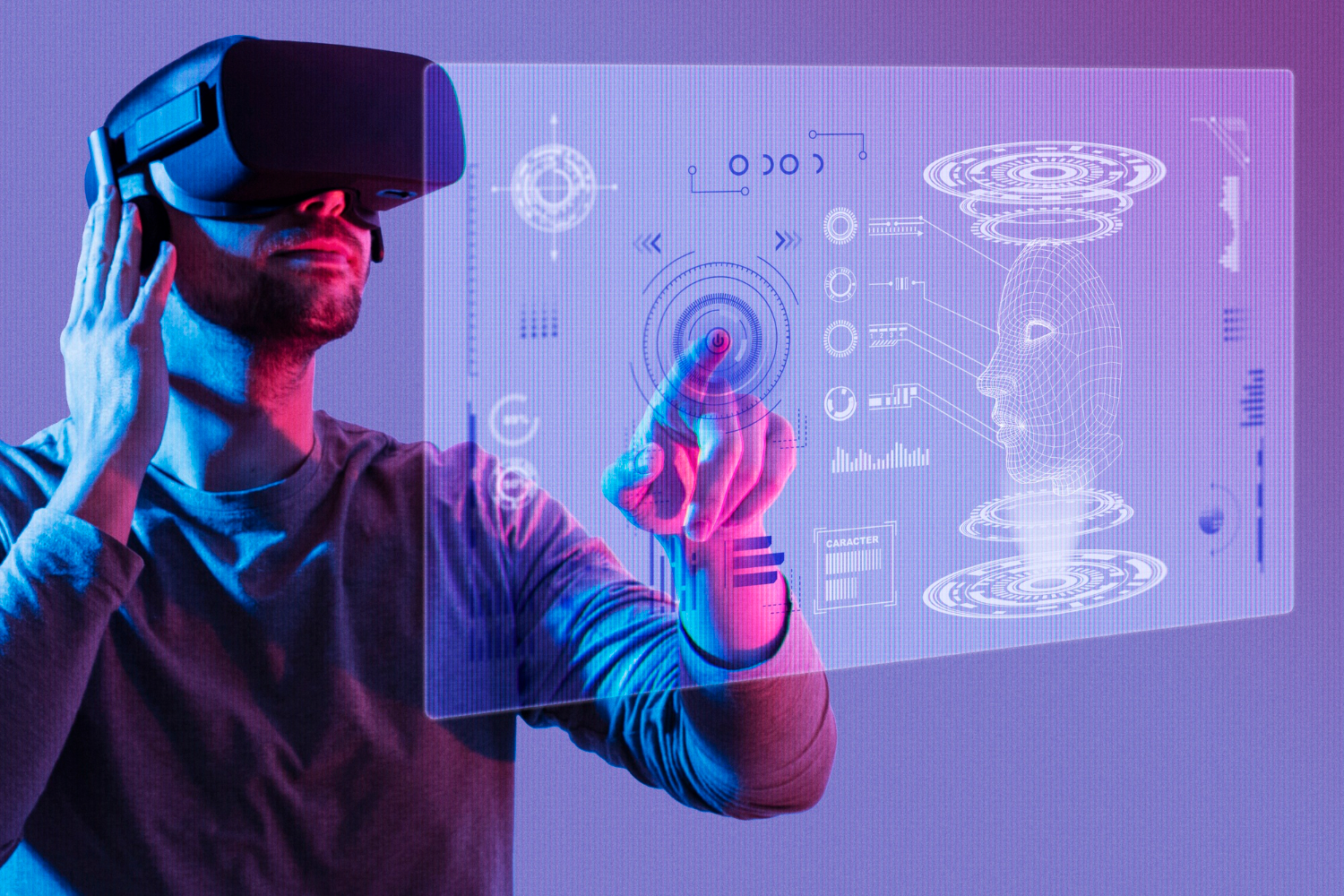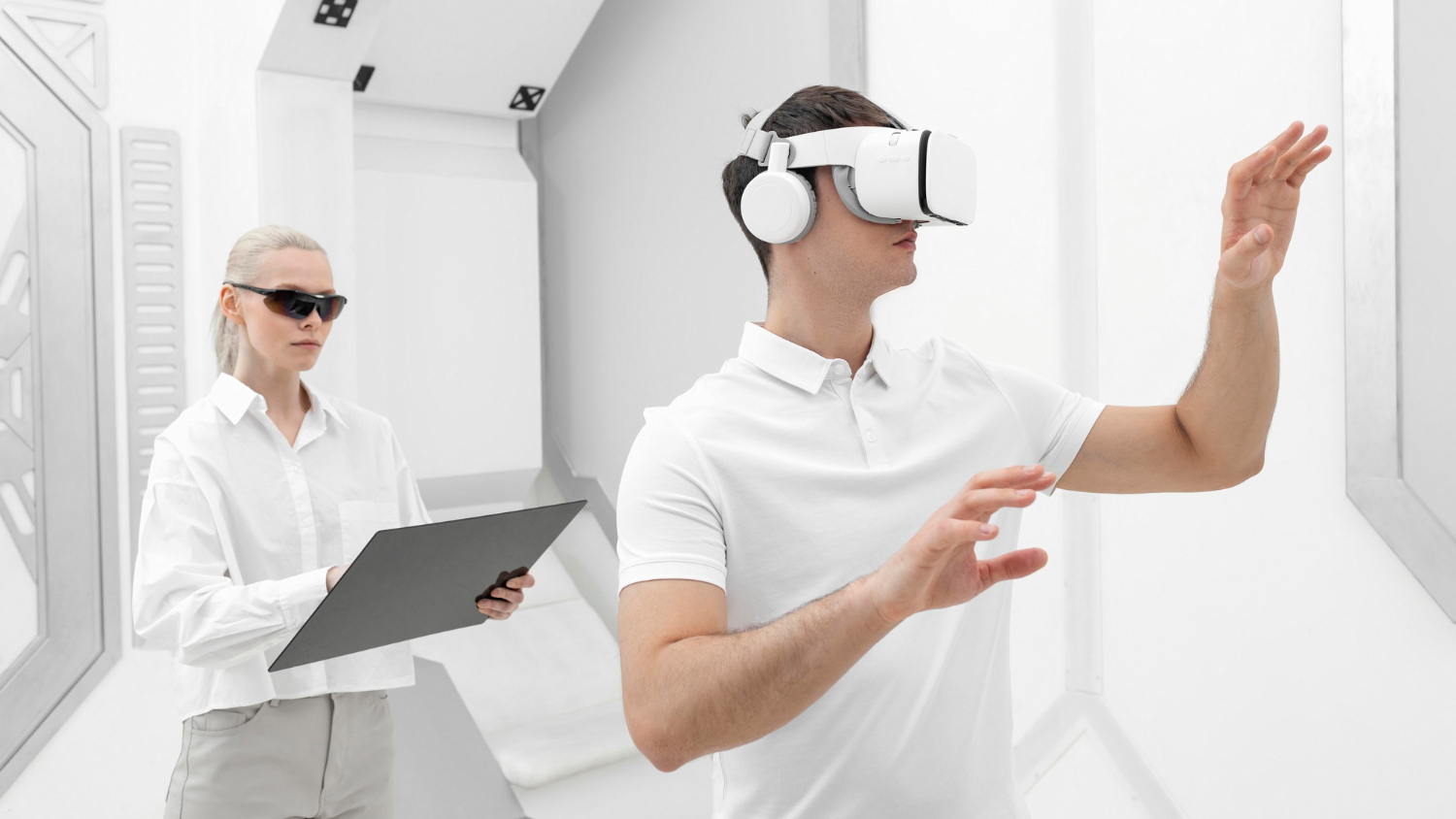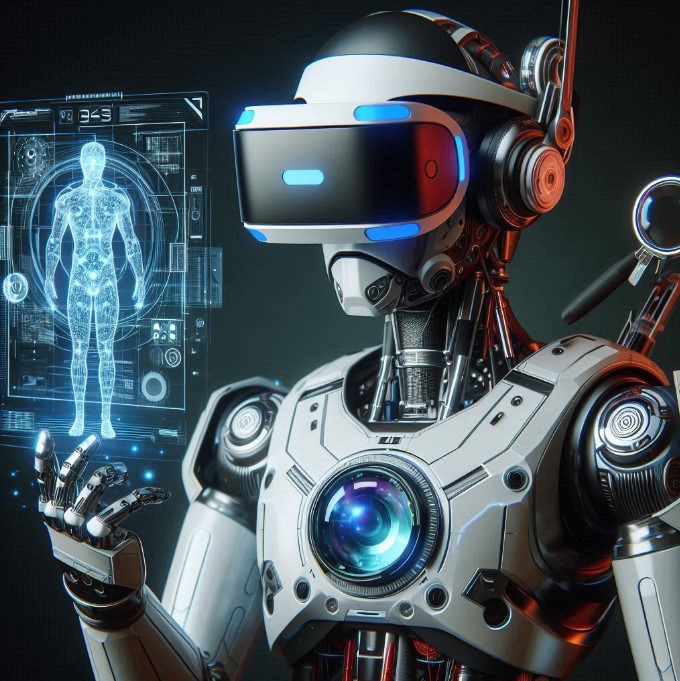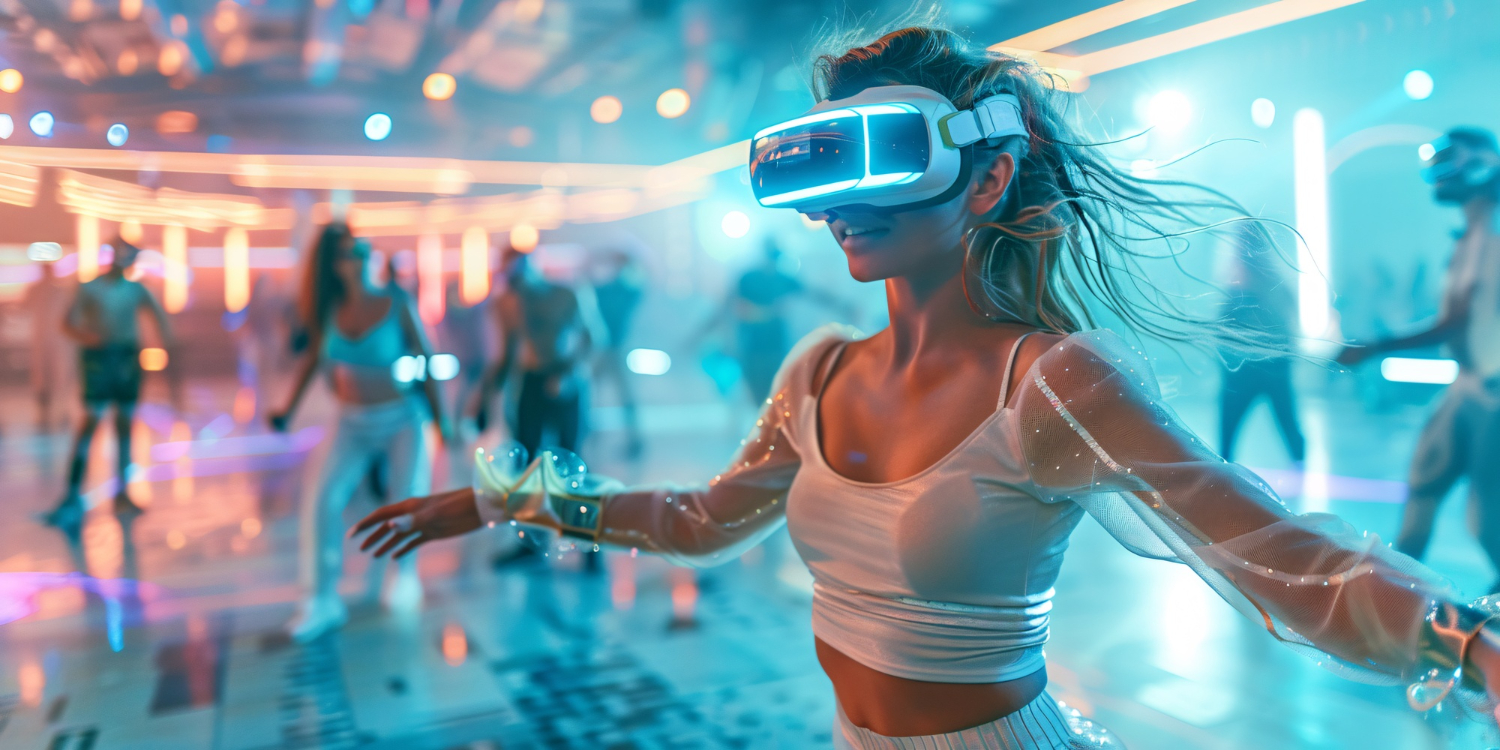
Inside-out tracking, hand pose, gaze, scene understanding, and persistent anchors are all computer-vision pipelines running on a headset SoC under a tight power budget. The architectural question — long before model accuracy — is which perception stages run on-device, which run on a tethered host, which use neural accelerators, and how the result graph is synchronised with the rendering pipeline. Teams that lift a desktop CV model onto a headset find latency, jitter, and thermal failures the demo never showed.
This is a spoke perspective on a broader thread we develop in Computer Vision and AI Motion Tracking in XR: Architectural Patterns. Here we focus on the real-time motion-tracking surface specifically: what the perception graph looks like, where the latency budget goes, and what AI changes about the older SLAM-only picture.
What does motion tracking actually solve for in XR?
“Motion tracking gives the headset its sense of where you are” is a tempting simplification. That is true but unhelpful. In practice motion tracking has to solve three different problems at once, and they pull in different directions.
The first is drift — the slow accumulation of pose error from integrating noisy sensor data. A pure IMU drifts in seconds. Adding visual-inertial odometry against the room’s geometry pins the pose to fixed features. The second is latency — the time between you moving and the rendered frame catching up. Pose updates have to land before the next frame is composited or you see judder. The third is fidelity — finger-level hand pose, sub-degree gaze, facial expression tracking — none of which the original SLAM-style tracking stacks attempted.
In our experience, teams that conflate these three end up over-investing in one and breaking the others. A hand-tracking model that hits beautiful fidelity in a lab will still ruin presence if its output arrives 40ms late.
The perception graph on a modern headset
Think of a 2026-class headset as multiple perception stages running at different rates, all feeding a single shared pose graph that the renderer consumes. An observed pattern across recent devices:
| Stage | Typical rate | Where it runs | Output |
|---|---|---|---|
| Visual-inertial odometry (head pose) | 100+ Hz | Dedicated tracking ASIC / NPU | 6DoF head pose |
| Hand tracking | 30–90 Hz | NPU | Skeletal hand pose, gestures |
| Eye tracking | 90–120 Hz | Dedicated eye-tracking pipeline | Gaze vector, pupil |
| Scene / depth reconstruction | 5–30 Hz | NPU + GPU compute | Mesh, planes, anchors |
| Body pose (when present) | 30–60 Hz | NPU or external trackers | Skeleton |
The figures are observed-pattern rather than vendor benchmarks — they come from device-class behaviour visible to developers through public SDKs (Meta’s hand-tracking API, Apple’s ARKit hand and body tracking, OpenXR extensions). Treat them as planning ranges, not guarantees.
What matters architecturally is the rate mismatch. Head pose runs an order of magnitude faster than scene reconstruction. Hand pose sits somewhere in the middle. The renderer wants a single coherent pose at 90 Hz minimum. The job of the runtime is to interpolate, predict, and reconcile these streams without anyone outside the headset OS noticing.
Why the older SLAM-only mental model breaks down
Estimate camera pose against a map you build in real time—that was classical SLAM’s unified problem statement. AI-driven motion tracking explicitly splits the problem. Visual-inertial odometry handles the head-pose backbone. Learned models handle the things classical CV did badly — articulated hand pose, gaze, facial expression — and they run as separate graph nodes with their own accelerator allocations.
The architectural consequence is that the latency budget is no longer one number. You have separate budgets per stream, and you have a synchronisation budget for stitching them together. A common pattern is to lock head pose to the display refresh through timewarp, run hand pose free of the frame clock and timestamp-align it on consumption, and let scene reconstruction lag behind by hundreds of milliseconds because anchors do not need to be frame-tight.
This is where teams porting desktop CV pipelines stumble. PyTorch hand-pose models that look perfect on a workstation get scheduled onto a headset NPU that has a fraction of the desktop GPU’s compute, with INT8 quantisation that subtly changes the output distribution, behind an OS scheduler that will deprioritise them when the GPU starts compositing. Catching that placement mismatch before it ships is exactly the kind of diagnostic our GPU Performance Audit runs against a rendering-plus-perception pipeline. The fix is not a faster model. It is a different placement decision.
How AI changes the latency budget
More of the perception graph now executes on dedicated neural accelerators (Apple’s R1 in Vision Pro, Quest 3’s tracking ASIC, Snapdragon XR2’s NPU partition) instead of competing with the main GPU. This is the single largest architectural change in the last two device generations.
A practical implication: the renderer GPU is free to do its job. On older headsets, hand-tracking compute and rendering compute landed on the same GPU and produced visible thermal coupling — long sessions would see frame drops as the chip throttled. NPU-resident tracking decouples that. We see this matter most in sessions over 20 minutes where the older coupling would have shown up as comfort complaints.
A second implication: prediction becomes load-bearing. Because tracking and rendering are decoupled, the runtime predicts head pose forward by one frame and applies timewarp at composition. AI-driven tracking is more amenable to short-horizon prediction than classical SLAM because the learned models output smoother trajectories with less impulsive noise.
A diagnostic checklist for XR tracking architecture
Architectural flaws, not model quality, cause nearly every XR tracking stack misbehavior we encounter. A short checklist we use when looking at a stuck project:
- Is head pose locked to display refresh, or is the renderer pulling pose at its own cadence?
- Does hand-pose output carry a capture timestamp the renderer can align to, or is it consumed as “latest”?
- Are tracking models resident on the NPU, or are they fighting the rendering GPU?
- Is scene reconstruction allowed to run at its own (slower) rate, or has someone forced it onto the frame clock?
- Does the pose graph survive a thermal throttle event without users losing their anchors?
If two or more of these fail, the tracker will drift, jitter, or both, and no amount of model retraining will fix it. The corrective work is in the runtime, not the perception models.
FAQ
How does real-time AI motion tracking work in XR experiences?
A modern XR headset combines inside-out tracking cameras, IMUs, optional external sensors, and (on premium devices) eye and body cameras. AI perception models running on the headset’s NPU process these inputs to produce 6DoF head pose, hand pose and gestures, eye gaze, facial expression (Vision Pro, Quest Pro), and full-body pose when external trackers or body cameras are available. The whole pipeline runs at 90+ Hz with sub-20ms latency end-to-end on flagship devices (benchmarked on current hardware).
Which AI models power motion tracking in 2026 XR headsets?
Visual-inertial odometry for head pose; learned hand-tracking models (Meta’s hand tracking, Apple’s hand tracking, Ultraleap’s Gemini) for finger-level skeletal pose; eye-tracking models for foveated rendering and intent; lightweight pose estimation for body tracking. Most of these run on dedicated NPUs — the Vision Pro R1 and Quest 3’s tracking ASIC are the clearest examples — so the main GPU stays free for rendering.
What latencies and accuracies do these AI tracking systems achieve?
Head pose: 100+ Hz with sub-2ms motion-to-photon latency on flagship headsets. Hand tracking: 30–90 Hz depending on device, with finger-level pose accurate to a few millimetres in good lighting. Eye tracking: 90–120 Hz, accurate to about 1 degree of visual angle. Body tracking: 30–60 Hz with whole-body skeletal output, accuracy dropping in occlusion and complex poses. These figures are observed-pattern, not bench-published, and they have improved meaningfully each hardware generation.
What can developers build on top of real-time XR motion tracking?
Natural hand-and-eye-driven interaction without controllers; gesture-based shortcuts (Vision Pro’s pinch-and-look paradigm); social VR with realistic avatar animation; fitness and movement coaching with pose feedback; surgical training with hand-tracking guidance; sign-language input; productivity tools with subtle gaze-based focus. The interaction-design space opened up by reliable AI tracking is much larger than the controller-based design space it is replacing.
Where this lands
No single CV problem and no single latency budget govern XR motion tracking anymore. It is a perception graph with stage-specific rates, accelerator placements, and synchronisation constraints, sitting underneath a renderer that has its own clock. Most “the tracker is drifting” tickets we see are actually placement and synchronisation tickets — the model is fine, the graph is wrong. We unpack the full architectural picture, including the perception-renderer handoff, in our piece on computer-vision architectural patterns for XR headsets. The thing worth holding on to from this spoke: if you are about to retrain a tracking model to fix a comfort issue, check the runtime first.
Image credit: Freepik.