Burst benchmarks overstate AI capacity
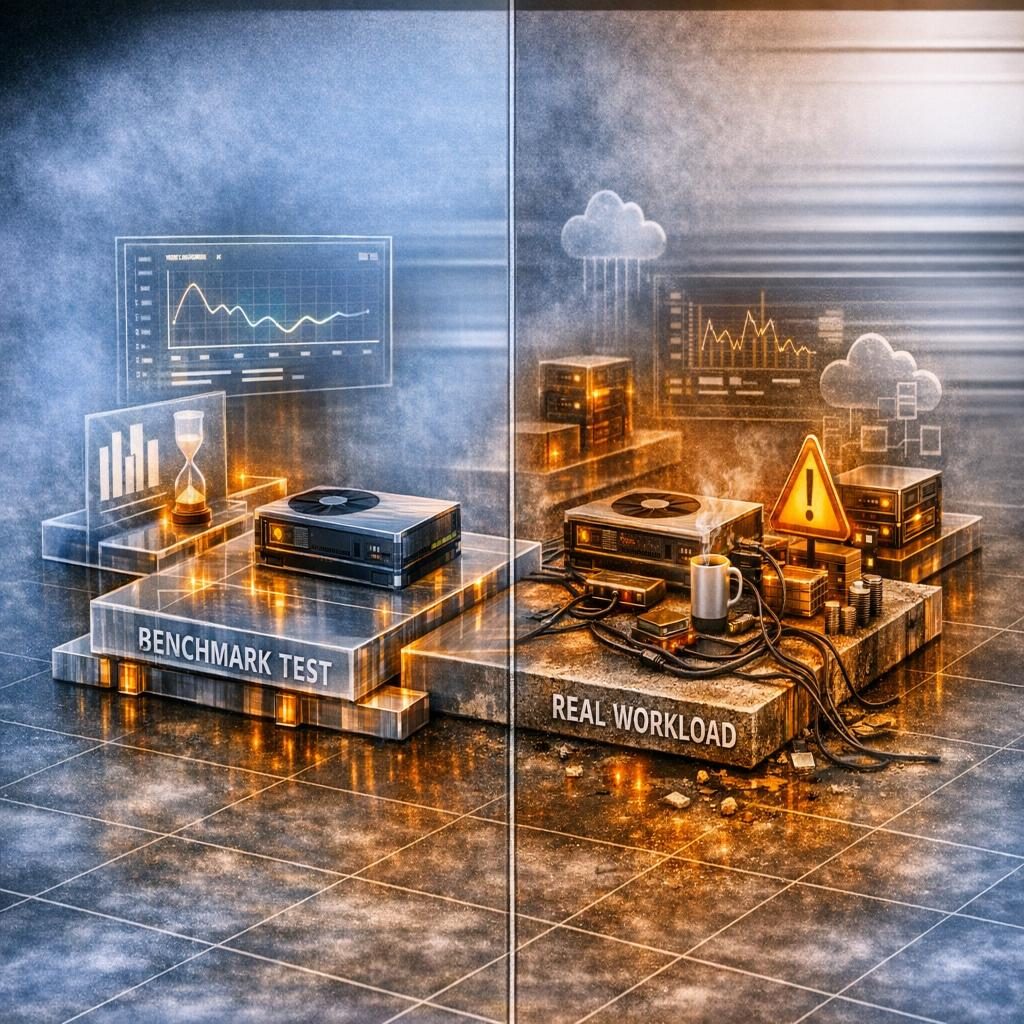
Our benchmarking practice tracks this dimension carefully. A team wants to know what their workstation can sustain under a transformer inference load, so they run a 60-second PyTorch loop, record the tokens-per-second figure, and treat it as the machine’s capacity. That number is almost always too high — sometimes by 25%. It describes a transient the deployment will not reproduce, because nothing about the first minute of execution resembles the next ten hours.
AI training runs for hours. Inference servers run continuously. The performance metric that matters for capacity planning is steady-state throughput: what the system delivers over an extended run, after thermals have stabilised, after transient effects have dissipated, after the data pipeline has reached equilibrium. Burst peaks measured before that point describe physics that the production workload will spend most of its life outside of.
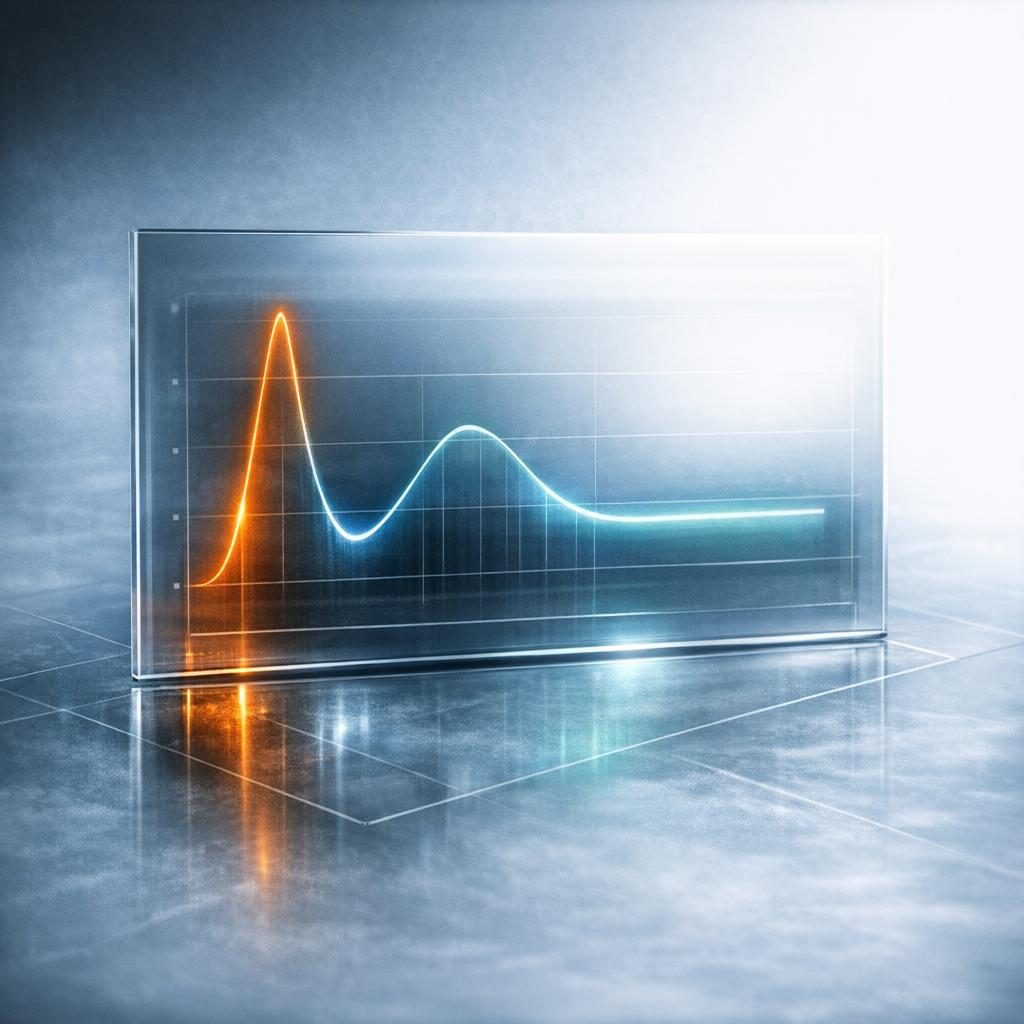
The mismatch is not subtle. A consumer GPU running an LLM inference loop will frequently reach 95–100°C die temperature within the first 8–10 minutes under typical workstation cooling (observed pattern across the configurations we’ve benchmarked — not a universal constant). Clock speeds drop. Throughput falls. The benchmark report, written from the first minute of execution, no longer describes the machine.
Why steady-state and burst diverge
Burst versus sustained performance diverge through three mechanisms operating across different time horizons.
Thermal throttling is the dominant effect. GPUs and CPUs boost clock speeds aggressively when cool, then reduce them as die temperatures rise toward their thermal limit. A typical workstation GPU reaches thermal equilibrium roughly 5–15 minutes into a sustained AI workload (observed pattern across the configurations we’ve benchmarked — not a universal constant). The performance at equilibrium is often 10–30% below the first-minute peak. That equilibrium number is the capacity planning number; the peak is rhetorical.
Memory pressure builds more slowly. Extended training runs fill GPU memory with gradients, optimizer state, and activation buffers as the model traverses its execution graph. Memory allocation patterns at minute fifteen differ structurally from those in the first few iterations — fragmentation appears, allocator overhead grows, and on memory-tight configurations the throughput cost is real.
Data loading equilibrium is the third. I/O pipelines take time to saturate. PyTorch’s DataLoader with prefetching, NVIDIA DALI, or any pipelined input stack will show a startup ramp where the GPU is partially idle waiting for the first batches. Benchmark samples from the first 60 seconds therefore include both the thermally cool peak and the partially-pipelined input phase — two distortions pulling in opposite directions, neither representative.
A benchmark that does not separate these phases cannot be read.
A steady-state benchmark protocol
Single-accelerator, fixed-batch configurations anchor this protocol; multi-GPU and dynamic variants extend the warm-up phase but preserve the core structure.
import torch
import time
import subprocess

def get_gpu_temp():
    result = subprocess.run(
        ['nvidia-smi', '--query-gpu=temperature.gpu',
         '--format=csv,noheader,nounits'],
        capture_output=True, text=True,
    )
    return float(result.stdout.strip())

model = load_your_model().cuda().half()
model.eval()

# Warmup phase — allow thermals and the data pipeline to stabilize
print("Warming up...")
start_warmup = time.time()
while time.time() - start_warmup < 300:  # 5 minutes
    with torch.no_grad():
        output = model(sample_input)

temp_at_steady_state = get_gpu_temp()
print(f"GPU temperature at steady state: {temp_at_steady_state}°C")

# Measurement phase — 10 minutes minimum
print("Measuring steady-state throughput...")
samples_processed = 0
start_measure = time.time()
while time.time() - start_measure < 600:
    with torch.no_grad():
        output = model(sample_input)
    samples_processed += batch_size

elapsed = time.time() - start_measure
steady_throughput = samples_processed / elapsed
print(f"Steady-state throughput: {steady_throughput:.0f} samples/sec")
The script is deliberately simple. The discipline is in the structure: a warm-up window, a measurement window, and an explicit record of the thermal state at which the measurement was taken. Anything reported without those three is a peak, not a capacity number.
Worth being precise about what the structure does and does not buy you. Discarding the warm-up and reporting a continuous timed window removes one specific distortion — the cool-clock, cold-pipeline peak. It does not turn a single-stream loop into a model of production traffic, because the loop still has no queue, no request-arrival variability, and no concurrency. Those mismatches are a separate class, and we argue them at length in why benchmarks fail to match real AI workloads.
What a complete benchmark report contains
Procurement spreadsheets demand reports that are extractable, self-contained, and explicit about measurement conditions.
| Metric | Why it matters |
|---|---|
| Burst throughput (first minute) | Context for comparison; never the capacity number |
| Steady-state throughput (after 5+ min warm-up) | The capacity planning number |
| Throughput ratio (steady / burst) | Throttling severity; expect 0.75–0.95 (observed pattern) |
| GPU temperature at steady state | Thermal headroom for ambient variation |
| GPU power consumption (watts) | Operating cost; reveals power-limit clipping |
| VRAM utilization | Model fit margin |
| Cooling configuration | Air vs liquid; case airflow; ambient temp |
A throughput ratio below 0.85 (steady-state under 85% of burst, as a diagnostic rule of thumb) signals significant thermal constraint and usually indicates cooling improvements are needed before the configuration ships as production infrastructure. Reading a ratio of 0.65 on a vendor sheet is informative even before you know the absolute numbers — it tells you the burst figure is structurally misleading for that machine.
The companion article on steady-state performance, cost, and capacity planning walks through translating these numbers into deployment sizing without the rounding errors that burst-based planning produces.
How long should a steady-state benchmark run?
Twenty minutes from cold start establishes the floor for useful duration. The first 5–10 minutes are the transient: GPU clocks ramp to boost frequency, thermal management activates, the power delivery system stabilises, and the input pipeline pipelines. Data collected during this phase describes physics the deployment will not reproduce.
The steady-state window begins when throughput variation drops below roughly 3% between consecutive 60-second measurement intervals. For most desktop and workstation GPUs, this occurs between 5 and 10 minutes from cold start. For data-centre GPUs with active liquid cooling and engineered airflow, steady-state may arrive within 3 minutes. For laptops with constrained cooling envelopes, it may take 15 minutes or longer as thermal throttling progressively pulls clock speeds down — and in some thin-and-light chassis the “steady state” is itself a slowly-declining curve rather than a flat line.
We collect three data series during the benchmark: throughput (samples/second or tokens/second), GPU temperature (°C), and GPU power draw (watts). Plotting all three on the same time axis reveals the thermal story. Steady temperature with steady throughput is the signal of adequate cooling. Rising temperature with declining throughput is thermal throttling. A flat power ceiling — power draw plateauing well below the GPU’s configured TDP — is power-delivery clipping, a different failure mode that requires a PSU or VRM investigation rather than better airflow.
Using burst throughput for the same calculation would undersize the deployment by 10–25% (a sizing estimate based on typical burst-to-steady ratios), and the gap would only surface once the system was in production and under load.
Interpreting thermal behaviour during benchmarks
Temperature charts exhibit three recognizable patterns.
Stable temperature below 80°C with stable throughput indicates good cooling — the system can sustain this workload indefinitely, and ambient-temperature variation has room to absorb. Temperature climbing to 83–85°C and then stabilising indicates adequate but marginal cooling: the GPU is thermally limited but not throttling, and a warmer office in summer will push it into the next regime. Temperature climbing above 85°C with throughput declining is active thermal throttling — the cooling system cannot dissipate the GPU’s heat output at full power, and the steady-state number is whatever the throttled curve settles at.
For workstation deployments we target steady-state temperatures under 80°C to leave thermal headroom for ambient variation (a data centre held at 25°C is structurally cooler than a desk-side workstation in a 28°C office in July). For data-centre deployments with controlled ambient temperature, steady-state temperatures up to 83°C are acceptable.
Power-draw behaviour is the other diagnostic. An RTX 4090 configured at its 450W TDP that reports only 380W during a sustained AI workload is being limited by something other than its power configuration — typically thermal throttling silently capping clocks, occasionally a PSU rail unable to sustain the transient currents that high-end GPUs demand. The chart shows it clearly; the single-number benchmark hides it. The deeper question — how single-stream benchmarks relate to concurrent production traffic — is covered in our piece on sustained vs burst GPU throughput.
LynxBenchAI treats the warm-up window, the measurement window, and the recorded power profile as required disclosure of a benchmark protocol, because peak numbers captured before thermal and power-management equilibrium describe a transient the deployment will not reproduce. Declaring the window is a scope statement, not a claim that the machine sat at a settled clock or thermal condition inside it — and a score covering one release’s fixed model catalogue at fixed precisions says nothing about the reader’s own serving stack. When evaluating any AI PC benchmark before accepting it as evidence, ask: was throughput measured after thermal equilibrium under a declared cooling and power configuration — the sustained operating point the workload will actually inhabit — or was the published figure a first-second peak the operator cannot reproduce?
Frequently Asked Questions
How long should a steady-state PC benchmark run before the number is trustworthy?
The minimum useful duration is 20 minutes from cold start, with the first 5–10 minutes treated as transient. The steady-state window begins when throughput variation drops below roughly 3% between consecutive 60-second intervals — typically 5–10 minutes on desktop and workstation GPUs, under 3 minutes for liquid-cooled data-centre cards, and 15 minutes or longer on thermally constrained laptops.
What throughput ratio between steady-state and burst signals a cooling problem?
Expect a steady/burst ratio in the 0.75–0.95 range as an observed pattern across the configurations we’ve benchmarked. A ratio below 0.85 signals significant thermal constraint and usually means cooling improvements are needed before the machine ships as production infrastructure. A ratio near 0.65 tells you the burst figure is structurally misleading even before you know the absolute numbers.
How do I tell thermal throttling apart from power-delivery clipping on a benchmark chart?
Plot throughput, GPU temperature, and power draw on the same time axis. Rising temperature with declining throughput is thermal throttling — a cooling problem. A flat power ceiling well below the configured TDP (for example a 450W RTX 4090 plateauing at 380W) is power-delivery clipping, which points to a PSU or VRM investigation rather than better airflow.
What target steady-state temperature should a workstation versus a data-centre deployment aim for?
For workstation deployments we target steady-state temperatures under 80°C to leave thermal headroom for ambient variation, since a desk-side machine in a 28°C office runs hotter than a data centre held at 25°C. For data-centre deployments with controlled ambient temperature, steady-state temperatures up to 83°C are acceptable.
Three steps to reliable local AI measurement
Reach thermal equilibrium first, then loop identical prompts until variance falls below 3% (a rule of thumb as a methodological threshold). So the question to carry forward is this: do you know the executor, the rules, and the release behind the number in front of you — and if not, what would it take to find out?