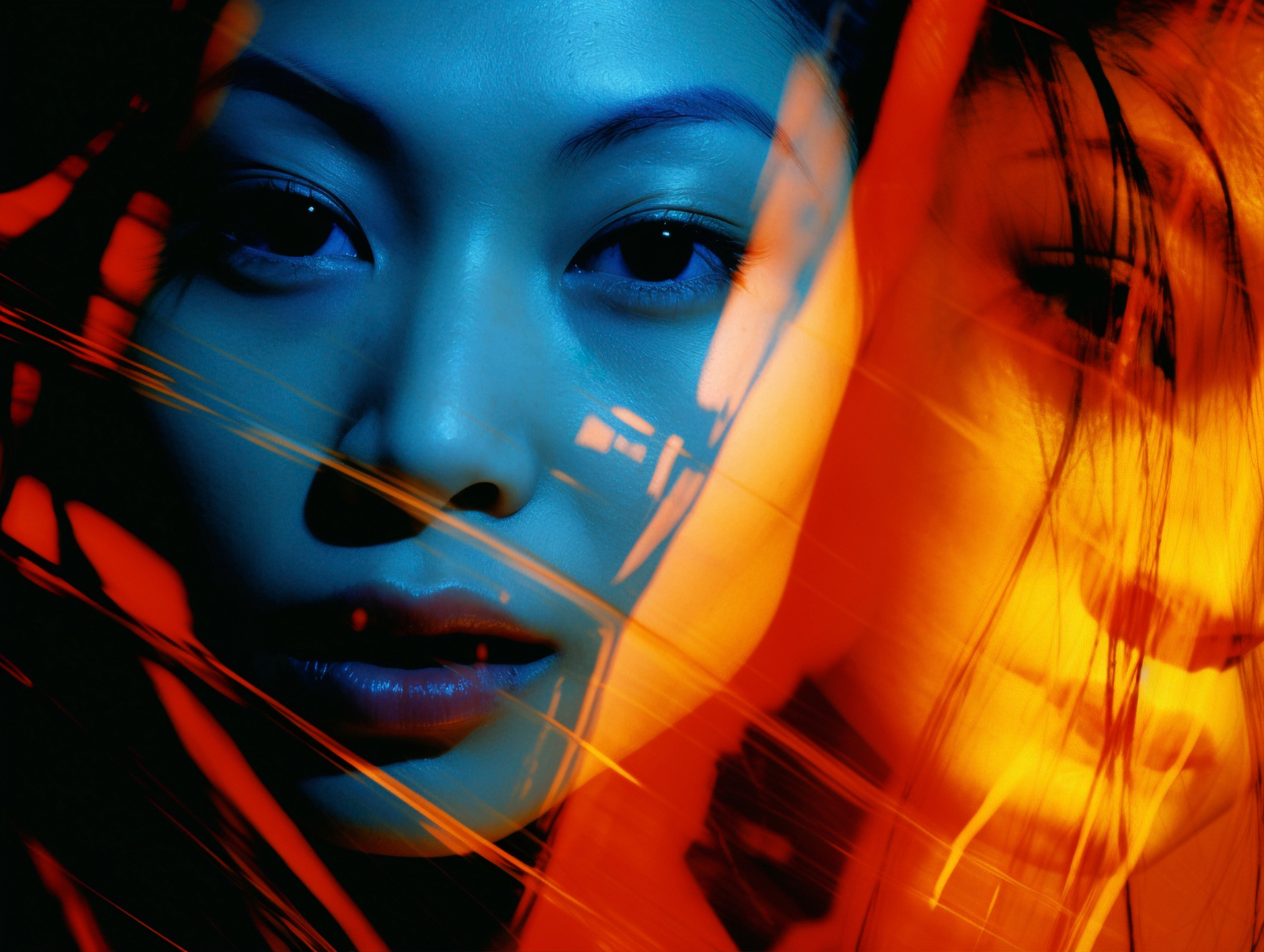
AI image generators look like one-click magic from the outside: type a sentence, get a picture. Underneath, a 2026-grade production stack is doing something rather different — running a diffusion transformer through dozens of denoising steps, conditioning on far more than the prompt text, and quietly filtering both inputs and outputs against safety, licence, and provenance rules. The gap between the consumer experience and what it takes to ship image generation as a feature is wider than most teams expect, and that gap is where most early projects fail.
This article is a working explanation of what these systems are and how they actually operate today, written for teams thinking about putting one behind a real workflow rather than just trying out Midjourney on a Friday afternoon.
What Are AI Image Generators?
An AI image generator is a generative model that produces an image from a text prompt — and, in practice, from a small bundle of other inputs alongside the text: reference images, depth maps, sketches, structural masks, style embeddings. The dominant 2026 architecture is the diffusion transformer: Flux.1 (dev, pro, schnell), Stable Diffusion 4, SD3.5, DALL-E 4, Midjourney v8. Autoregressive image models — Parti-class systems and the native image side of Gemini 2.5 — are a credible alternative for cases where token-by-token control matters more than diffusion’s sampling flexibility.
The interesting part is not the model itself. It is the surrounding stack. A consumer tool like Adobe Firefly or DALL-E inside ChatGPT hides model selection, safety filtering, watermarking (C2PA, SynthID), prompt rewriting, and output review behind a single button. A production deployment has to expose, configure, and operate every one of those layers. We see this pattern regularly when teams move from “we ran a demo” to “we have this in front of customers.”
How does a diffusion model turn a prompt into an image?
The process is iterative noise removal, not single-shot generation. The model starts from pure Gaussian noise — a tensor full of random values shaped like the target image — and progressively denoises it across 20 to 50 steps. At each step the network predicts the noise component to subtract, conditioned on a text embedding produced by an encoder (typically a CLIP-class or T5-class model). The image emerges gradually: rough composition first, then mid-frequency detail, then fine texture.
There are three useful intuitions to hold onto:
- The prompt does not “describe” the image. It shapes a trajectory through the model’s latent space. Two visually different images can sit on adjacent trajectories from the same prompt.
- Each step is a forward pass through a large transformer. Latency scales with steps × model size. Flux.1 schnell exists specifically because four-step inference is a different product than fifty-step inference.
- The model is deterministic given the same seed, prompt, and sampler. The randomness you see in outputs comes from sampling the initial noise. This matters when you need reproducibility for audit trails.
What the Production Stack Actually Looks Like
Strip away the interface, and you’re left with weights and inference code. A production stack has at least six layers around that, and missing any of them tends to surface during the first incident rather than the first deployment.
| Layer | What it does | Typical 2026 choices |
|---|---|---|
| Model selection | Routes prompts to the right model for the job (cost, latency, quality, licence) | Flux.1 pro, SD3.5, Firefly 4, DALL-E 4 via API |
| Structural conditioning | Adds non-text inputs (depth, pose, edges, reference image) | ControlNet, IP-Adapter, reference-only modes |
| Prompt management | Versioned prompts, A/B testing, prompt rewriting | Internal prompt registries, LangSmith-class tooling |
| Safety / policy filter | Blocks unsafe inputs and outputs (NSFW, IP, real people) | Provider-side filters plus a second-pass classifier |
| Provenance & watermarking | Marks generated content cryptographically | C2PA manifests, SynthID, internal hash registry |
| Human review path | Loops humans in for high-stakes or low-confidence outputs | Workflow tool with versioned approvals |
This is the part that the “type prompt, get image” framing hides. It is also where most of the engineering cost lives. The model is largely a commodity by 2026; the differentiator is whether the surrounding stack catches problems before customers see them.
Why ControlNet and IP-Adapter matter for real work
Pure text prompting has diminishing returns past a certain length. After about thirty descriptive tokens, additional words start to compete with each other, and the model becomes harder to steer rather than easier. For controlled production work — generating product imagery on a consistent background, illustrating a character across multiple panels, matching a brand colour palette — teams move beyond text to structural conditioning.
ControlNet conditions the diffusion process on a structural input (Canny edges, depth maps, OpenPose skeletons, segmentation masks) in addition to the text. IP-Adapter conditions on a reference image’s style or content embedding. Reference-only modes route a source image through cross-attention without requiring a full fine-tune. The practical effect is that you get the consistency of a brief plus the flexibility of generation, instead of having to choose.
A common pattern is: a designer draws a rough sketch, the pipeline extracts depth and edge maps from the sketch, ControlNet conditions Flux.1 on those maps, and the text prompt only carries style and material information. The output is recognisably the designer’s composition, not whatever the model felt like producing.
What Diffusion Models Are Used For Beyond Consumer Art
The use-case map for image generators in 2026 extends well past social-media posts. Some of the more durable applications:
- Product prototyping and concept iteration. Designers generate dozens of variants of a packaging concept, a product render, or an industrial-design proposal in hours instead of days. The output is not the final asset — it is the conversation accelerator before the final asset gets made by humans.
- Synthetic data for computer vision. Diffusion models generate labelled training data for downstream vision systems where real labelled data is expensive or impossible to collect (rare defects, edge-case scenarios, privacy-constrained domains). This is a benchmark-grade application: the synthetic-real performance gap is something you measure on your specific task, not something you take from a paper.
- Simulation and scenario generation. Robotics and autonomous-vehicle teams generate visual variation (lighting, weather, occlusion) on top of base scenes for robustness testing. ControlNet-style conditioning is what makes this controllable enough to be useful.
- Marketing and editorial illustration at scale. Newsrooms, publishers, and marketing teams use Firefly or licensed Flux tiers for licence-clean illustration where stock photography is too generic and commissioned art is too slow.
- Internal tooling and presentations. The least glamorous and possibly the most-used category: slide imagery, diagram backgrounds, mock-ups for product reviews.
The choice between these use cases shapes everything downstream. Synthetic-data work cares about controllability and licensing of training data; marketing illustration cares about brand consistency and commercial-use terms; product prototyping cares about iteration speed and structural conditioning. There is no single “best” image generator across these axes.
How the Major 2026 Generators Compare
For teams choosing between options, the relevant axes are quality, latency, controllability, and licence. A rough decision frame:
| System | Strength | Watch-out |
|---|---|---|
| Midjourney v8 | Artistic quality, style coherence | API access limited; commercial-use terms; opaque controllability |
| DALL-E 4 (in ChatGPT) | Prompt adherence, conversational refinement | Provider-side filter is strict; cost scales with use |
| Adobe Firefly 4 | Licence-safe commercial use; Creative Cloud integration | Style range narrower than Midjourney or Flux |
| Ideogram 3 | Text-rendering inside images (signs, labels) | Less general-purpose than the leaders |
| Flux.1 (dev/pro/schnell) | Open weights for self-hosting; strong quality; schnell tier is fast | Licensing tiers differ; commercial use requires the right tier |
| Stable Diffusion 4 / SDXL / SD3.5 | Mature ControlNet ecosystem; self-hostable | Quality ceiling below Flux.1 pro for some categories |
This is an observed comparison across recent engagements, not a benchmark in the formal sense. Quality rankings shift quarterly as models update. The durable point is that the right choice depends on whether you need self-hosting, licence-safety, structural control, or pure aesthetic quality — not on any single “leaderboard” position.
The Ethical, Legal, and Provenance Layer
Three issues are now structural rather than edge-case, and any production deployment has to address them.
Copyright and training data. The Stability AI vs Getty, NYT vs OpenAI, and Andersen vs Stability AI cases are still working through courts in different jurisdictions. The practical implication is that “we trained on the open web” no longer settles the question. For client work, the conservative path is to use models with explicit commercial-use licences (Firefly, the appropriate Flux tier) and to retain prompt and output records.
Consent and likeness. Generating recognisable real people is regulated in more jurisdictions than it used to be — the Tennessee ELVIS Act, NO FAKES Act variants in the US, and the EU AI Act’s transparency obligations all touch this. Production stacks need a face-detection and identity-match step on outputs, not just on inputs.
Provenance. C2PA manifests and SynthID watermarking are becoming the de facto standard for marking AI-generated content. Major platforms increasingly strip or flag images without provenance metadata. Adding C2PA signing at generation time is cheap; retrofitting it after the fact across thousands of assets is expensive.
None of this is a reason not to deploy image generation. It is a reason to deploy it with the right scaffolding. The teams that build that scaffolding ship something that survives the first PR incident; teams that skip it tend to quietly roll the feature back a few months later.
FAQ
What are AI image generators and how do they work?
AI image generators are generative models that produce images from text prompts (and optionally other inputs like reference images, depth maps, or sketches). The dominant 2026 architecture is the diffusion transformer (Flux, Stable Diffusion 4, SD3.5, DALL-E 4, Midjourney v8). The model starts from random noise and iteratively denoises it conditioned on the prompt, with each step refining the image. Autoregressive image models (Parti-class, the image side of Gemini 2.5 native) are a growing alternative.
Which AI image generators are best in 2026?
Closed / API: Midjourney v8 for artistic quality; DALL-E 4 inside ChatGPT for prompt adherence; Adobe Firefly 4 for licence-safe commercial use; Ideogram 3 for text rendering inside images; Recraft for design workflows. Open / self-hostable: Flux.1 (dev, pro, schnell) leads on quality; SDXL and SD3.5 remain widely used; Stable Diffusion 4 is the higher-fidelity newer baseline. Each has different prompt sensitivity, style defaults, and licensing for commercial use.
How do you write good prompts for AI image generators?
Specify subject, composition, style, lighting, camera or medium, and any negative constraints. Reference real artists or styles where allowed by the licence. For controlled production work, move beyond text prompts to structural conditioning (ControlNet, IP-Adapter, reference-only) — text alone has diminishing returns past a certain length. Iterate on the worst aspect of each generation rather than rewriting the prompt from scratch.
What are the ethical and legal issues with AI image generators?
Copyright and training-data provenance remain contested (Stability AI vs Getty, NYT vs OpenAI, Andersen vs Stability AI). Commercial use of likenesses without consent is increasingly regulated (Tennessee ELVIS Act, NO FAKES Act variants, EU AI Act transparency obligations). Watermarking (C2PA, SynthID) is becoming the de facto standard for AI-generated images. Practical advice: use models with clear commercial licences (Firefly, licensed Flux tiers) for client work, maintain provenance trails.
The AI Image Generators Diffusion checklist
Scope, constraints, and an honest success metric typically determine whether deployment succeeds or burns budget — long before benchmarks enter the picture.
The model is the easy part. The question worth asking before you pick one is whether your team is set up to run the six layers around it — or whether you are about to ship a demo that you cannot operate. For the broader frame on how image-gen fits into creative workflows, see our piece on generative AI on creative workflows. Working through those six layers before commissioning any model is the discipline our Generative & Agentic AI R&D practice applies to every image-generation engagement.
Image credits: Freepik